Paste what your AI wrote.
Get charts, boards and code.
Markdown from ChatGPT, Claude or Cursor becomes a page with charts, kanban boards, code and math. Free on your PC, no account needed.
- Free app · saved on your PC as .md
- 58% less than Notion Plus (monthly) · expected $5/mo
- Import from Notion and Obsidian
Join the WAITLIST for the web version
people are on the WAITLIST
The web version is in internal testing. Use the free desktop app for now; we'll email you when the web version opens.
When the web version opens, sign up with the Google account for this email and the $5/month PRO plan is 50% off for 6 months.
Not on the WAITLIST? Sign up now and the $5/month PRO plan is free for 1 month at launch.
You're number on the WAITLIST
When friends sign up with this link, you move up a little.
Your answers are saved. Thank you.
Acard at a glance
Pick a tab to switch the real screen.
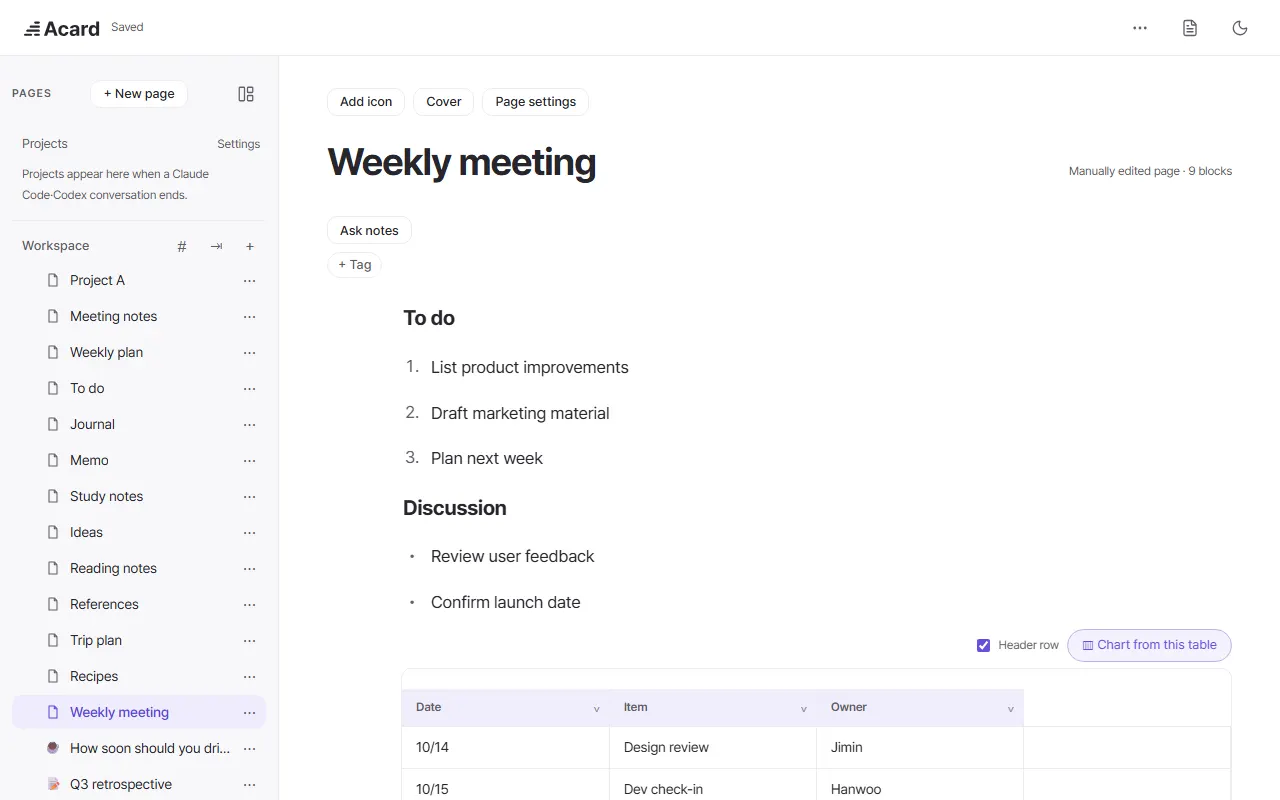
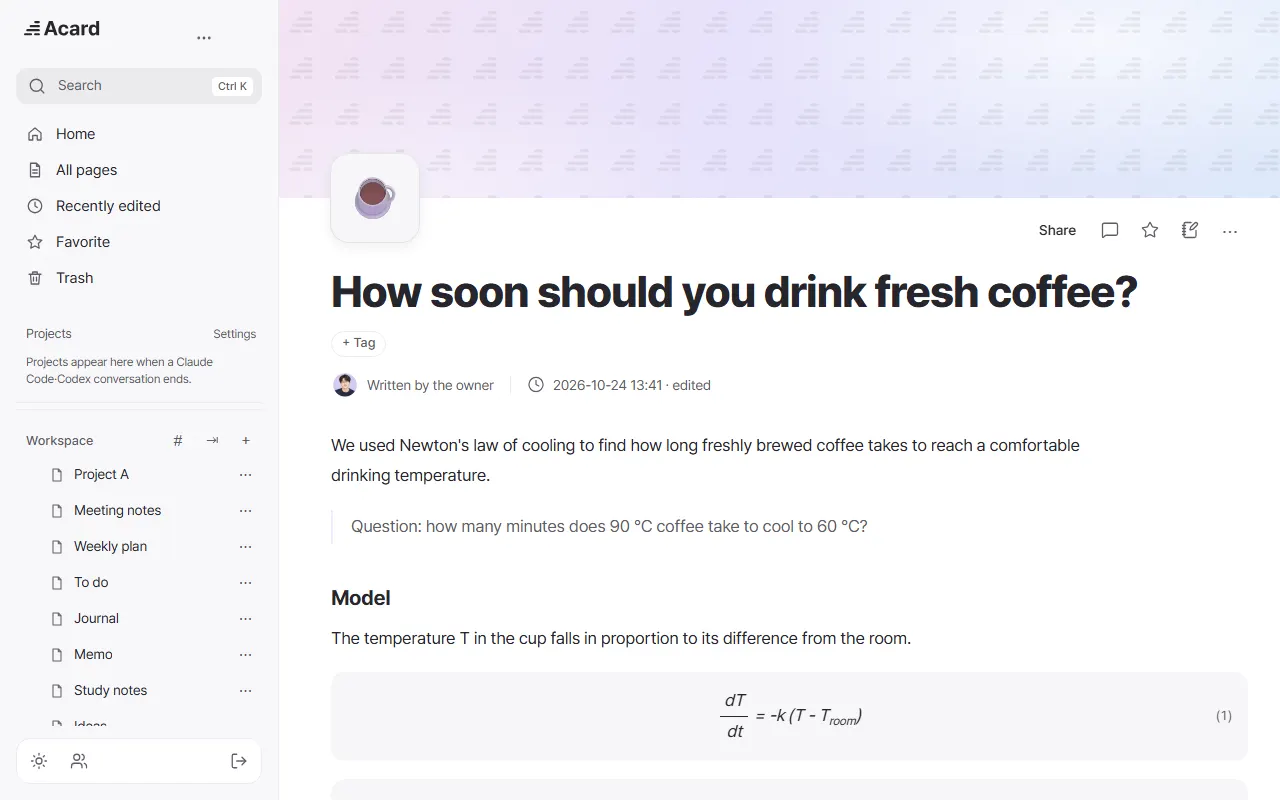
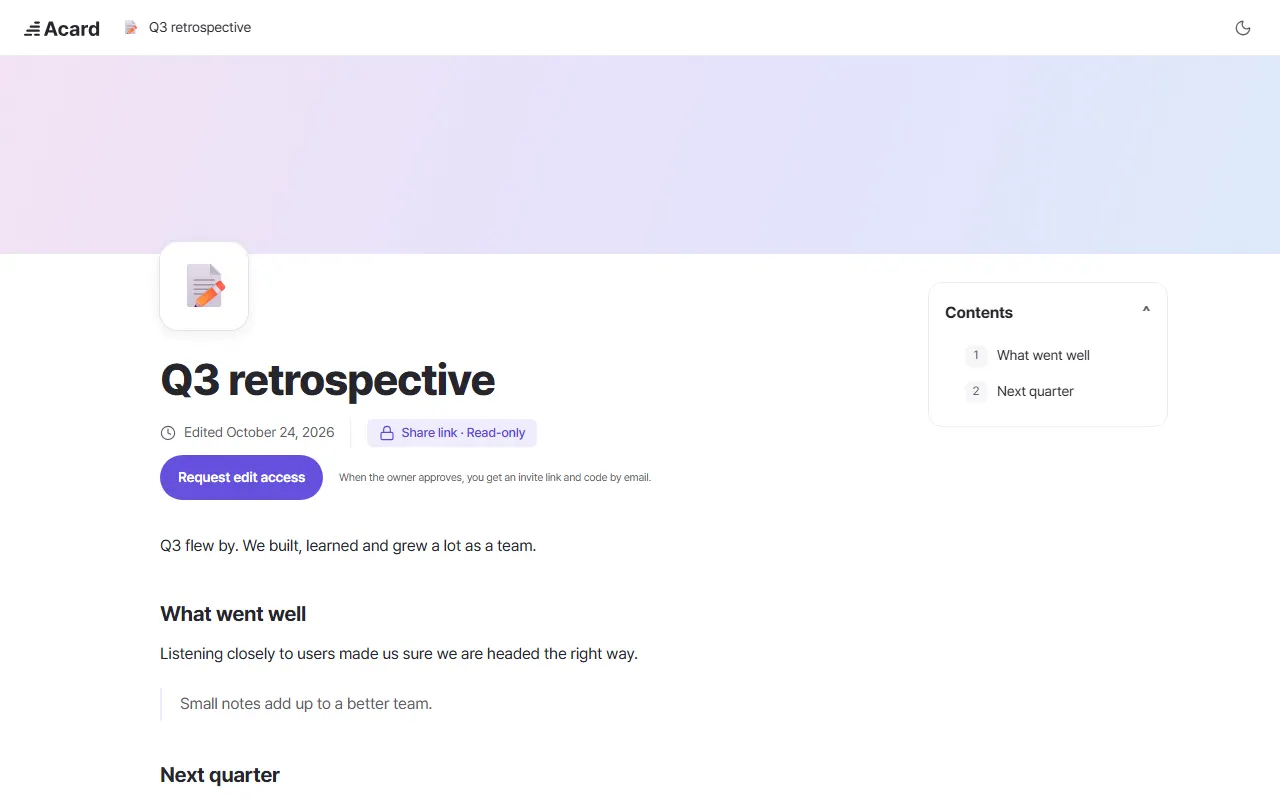
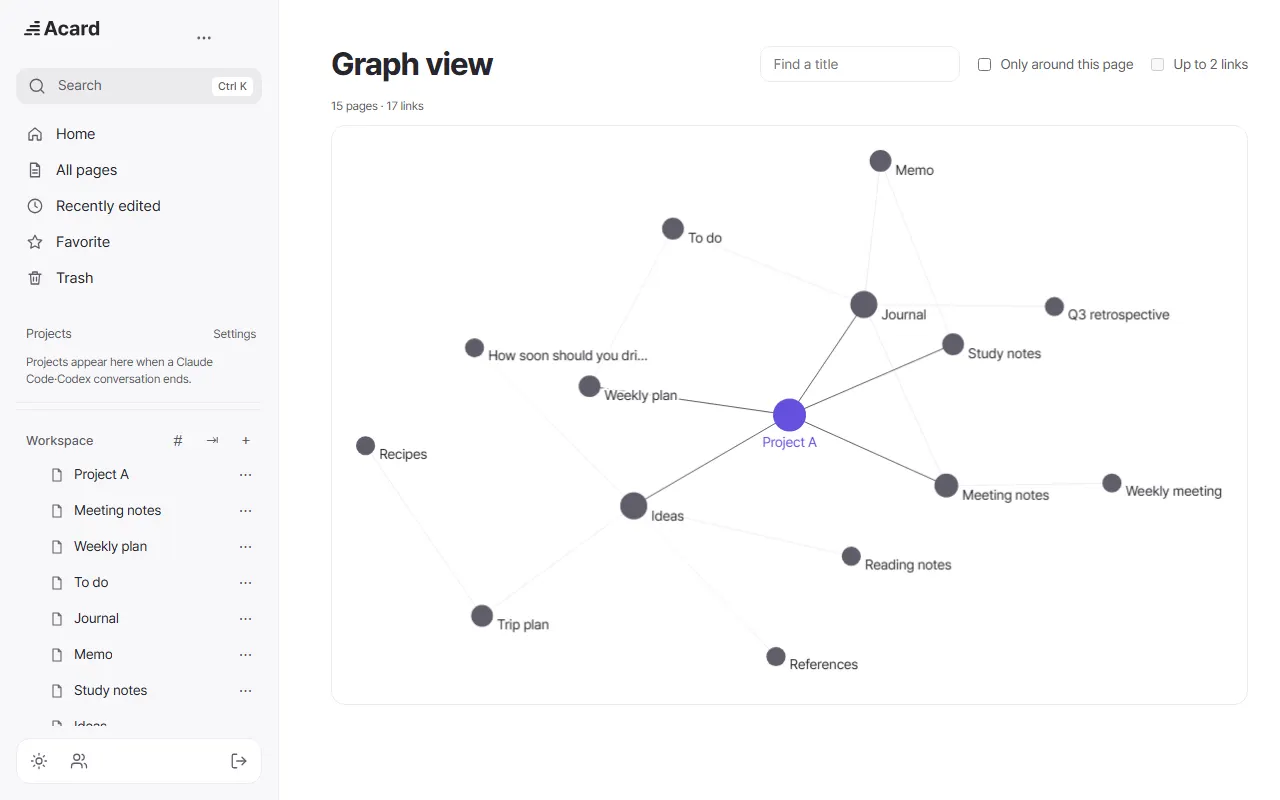
Real screens, captured with sample data.
What a page looks like
Example pages written in Acard. Open one to see the real public page.
```acard-ui {"ui":"chart-donut"}
{
 "title": "Food stock at the start",
 "items": [
  { "label": "Rice & noodles", "value": 58000 },
  { "label": "Canned food", "value": 31000 },
  { "label": "Bread & rice cakes", "value": 22000 },
  { "label": "Meat & eggs", "value": 18000 },
  { "label": "Snacks", "value": 12000 }
 ],
 "center": "141,000", "centerLabel": "kcal", "unit": "kcal"
}
```


How much better than just asking an AI?
Freedom to tinker: OpenNotion. Good results right away: Acard. We compared Acard's spelling fix, polish and charts with an AI simply asked in one line, on the same texts.
- MEASURED30% vs 81%Errors left after a spelling fixAcard 73/240 · plain request 194/240 · 95% interval 25-37% vs 75-85%
- MEASURED0 vs 3.2New numbers added while fixing (per text)40 texts · plain requests often appended a list of changes
- MEASURED13/15 vs 6/15Charts drawn from a table on the first try95% interval 62-96% vs 20-64% · vs a general AI asked in one line
- MEASURED3/3 vs 0/3AI features ready to use (polish, spelling, charts)Acard vs self-hosted OpenNotion basic edition
Measured 2026-10-24 · 40 test drafts · 15 tables · every number is our own measurement.
How we measured, and every result →The least you can pay, for what you need.
The app is free. Subscribe only when you need web publishing, backup and sync.
PRO
Expected priceBetaAcard is in beta, so this price is not final. No payments are taken yet.
- Publish to the web, no page limit
- Cloud backups: 30 days + 12 months
- Sync between your computers
The Acard app is free · saved on your PC · connects to your AI agents
Monthly price, side by side
One person · billed monthly · billed yearly per month in brackets · checked on each official pricing page on 2026-10-24
Sources: notion.com · obsidian.md
Notion and Obsidian are trademarks of their respective owners. Their prices are set by each company and may change.
Compare with Notion and Obsidian →